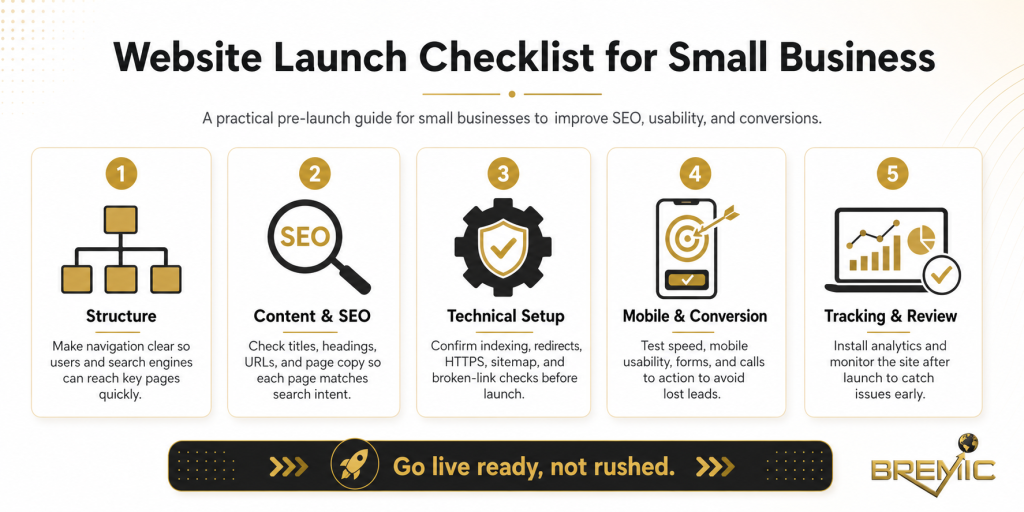
Launching a business website is not just a design milestone. It is an operational, marketing, and SEO event. For a small business, the first version of a site often sets the baseline for how search engines crawl it, how prospects judge credibility, and how well the business can turn traffic into inquiries or sales.
A strong website launch checklist helps reduce avoidable mistakes. It gives you a structured way to review technical setup, content quality, SEO fundamentals, analytics, legal pages, and conversion paths before the site becomes public. That matters because many launch problems are easy to prevent and frustrating to fix after indexing, traffic, and paid campaigns are already in motion.
This guide walks through a practical website launch checklist for small business owners, marketing teams, and anyone overseeing a new site or major relaunch. The goal is simple: launch with fewer risks, stronger foundations, and clearer priorities.
What a website launch checklist should actually cover
A launch website checklist is not just a list of visual checks. Reviewing pages on desktop and mobile is necessary, but it is not enough.
A reliable business website checklist should cover five areas:
- Technical readiness so the site can be crawled, loaded, and used properly
- SEO fundamentals so search engines can understand the site structure and content
- Content accuracy so visitors see a clear, credible business
- Tracking and measurement so performance can be monitored from day one
- Conversion readiness so the site supports business goals, not just page views
Small businesses often focus heavily on design and copy, then treat everything else as secondary. In practice, weak tracking, broken metadata, poor internal linking, missing redirects, and unclear calls to action can undermine an otherwise solid launch.
Why launch quality matters for SEO and business performance
A website does not need to be perfect before launch, but it does need to be structurally sound. Early signals matter.
When a site launches with clean architecture, indexable pages, useful content, and sensible internal linking, it becomes easier for search engines to crawl and evaluate. When it launches with thin pages, duplicate metadata, blocked resources, or weak navigation, the site may still get indexed, but it starts from a weaker position.
For a small business, the impact goes beyond rankings:
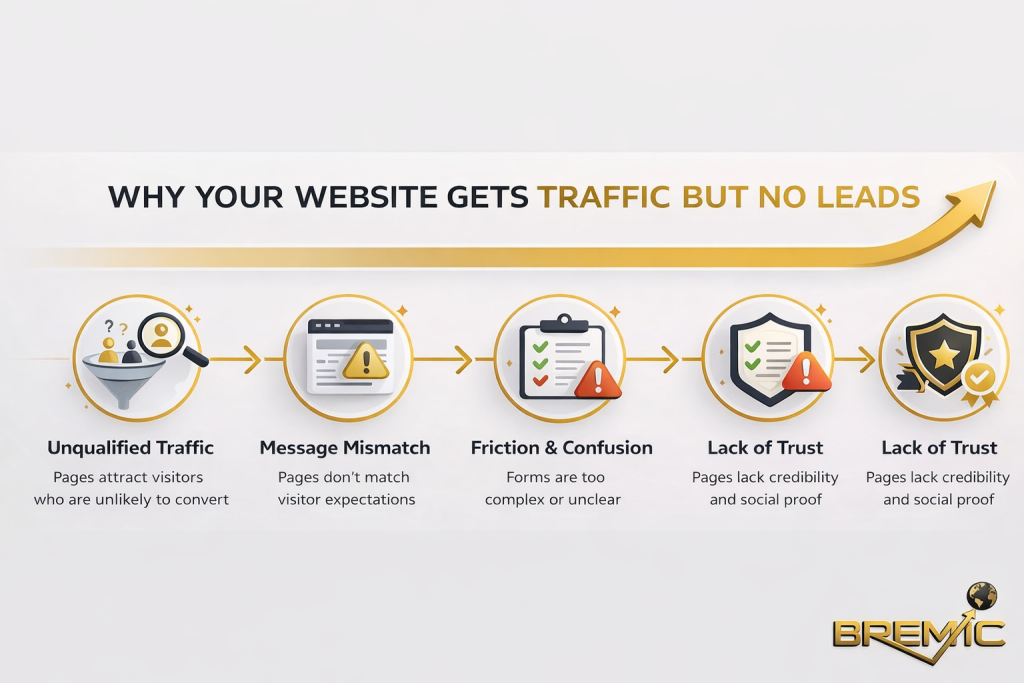
- Prospects may leave if the site feels incomplete or inconsistent
- Conversion rates suffer when contact paths are unclear
- Paid traffic becomes expensive if landing pages are not ready
- Reporting becomes unreliable when analytics are missing or misconfigured
- Future SEO work becomes slower if the site architecture is weak at launch
This is why a website checklist should be tied to business outcomes, not just launch day approval.
Website launch checklist for small business: the essentials
Confirm the site is crawlable and indexable
Before launch, make sure search engines can access the site properly.
Check that:
- the live site is not blocked by
noindextags carried over from staging - the robots.txt file is not accidentally blocking important sections
- key pages return a proper 200 status code
- broken links and server errors are fixed
- canonical tags point to the correct live URLs
This is one of the most common launch issues. During development, teams often block indexing for good reasons. The problem happens when those temporary controls remain in place after the site goes live.
Review the URL structure and navigation
A small business website should be easy to navigate for both users and search engines.
Before launch, assess whether:
- page URLs are clean, readable, and consistent
- the main navigation reflects the real priorities of the business
- important service or category pages are reachable within a few clicks
- there is a logical relationship between top-level pages and supporting pages
- internal links help users move deeper into the site
Weak structure usually creates SEO problems later. If high-value pages are buried or disconnected, search engines have less context and users have a harder time finding what they need.
Where relevant, include natural internal pathways to supporting resources. For example, if your site has educational or supporting content, linking to a broader resource center can strengthen both usability and topical relevance.
Check page-level SEO fundamentals
Every important page should have the core on-page elements in place before launch.
Review these items page by page:
- title tag
- meta description
- H1 heading
- subheading structure
- image alt text where appropriate
- internal links to related pages
- clear primary purpose for the page
The goal is not to over-optimize. It is to avoid incomplete or conflicting signals. A service page with a vague title tag, weak H1, and no supporting internal links is harder to rank and less persuasive to visitors.
This is also the point where many businesses overuse keywords. A launch website checklist should help prevent that. Use the target phrase naturally, but keep the copy readable and specific.
Make sure the core content is complete and trustworthy
A polished homepage means very little if service pages, contact details, and trust signals are incomplete.
Before launch, review whether the site clearly answers:
- what the business does
- who it serves
- where it operates
- how people can get in touch
- why a prospect should trust it
Content quality is not only about length. It is about clarity, accuracy, and relevance. A short service page can perform well if it explains the offer well, addresses user questions, and removes doubt. A longer page can still underperform if it stays vague.
For small businesses especially, credibility often comes from practical basics:
- consistent business name, address, and phone details
- accurate service descriptions
- real testimonials if available
- clear policies and contact options
- author or company information where relevant
Test forms, calls to action, and key user journeys
A website can look complete and still fail at the point that matters most: action.
Test the main conversion paths before launch:
- contact forms
- quote request forms
- phone links on mobile
- email links
- checkout or booking flows if applicable
- thank-you pages and confirmation messages
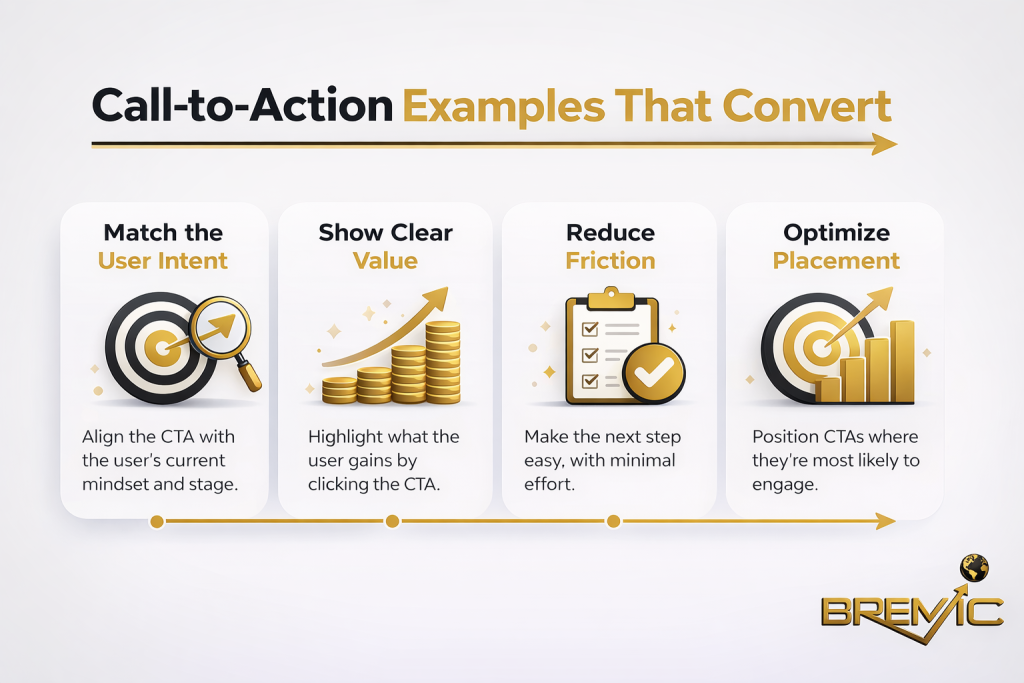
Also check where calls to action appear and how clear they are. Many small business sites either hide them or repeat the same generic wording without context.
A better approach is to align the call to action with page intent. A service page may need “Request a quote,” while an informational page may be better with “Talk to our team” or “See related resources.”
Set up analytics and search tools properly
If tracking is not in place at launch, you lose clean baseline data.
At minimum, confirm setup for:
- Google Analytics or equivalent analytics platform
- Google Search Console
- conversion tracking for forms, purchases, or lead events
- cookie consent setup where required
- tag management if used
Do not assume these tools are working just because code has been installed. Test them. Submit a form, visit key pages, and confirm events are being recorded correctly.
For SEO, Search Console is especially useful early on. It helps you monitor indexing, sitemap submission, crawl issues, and search performance as the new site starts to gain visibility.
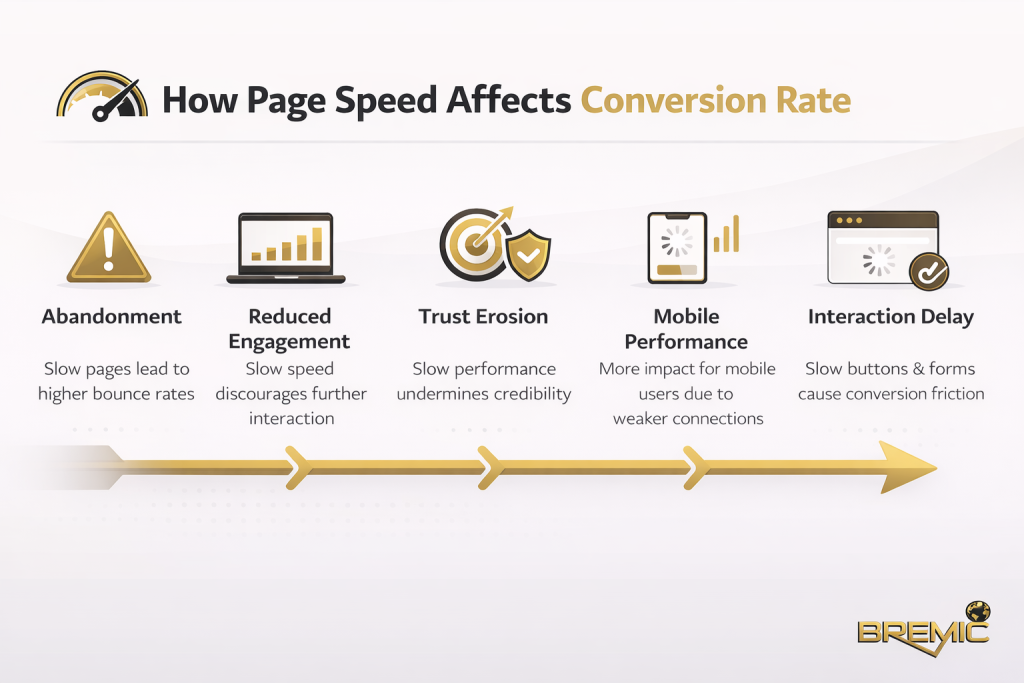
Check site speed, mobile usability, and basic performance
You do not need a perfect technical score to launch. You do need a site that works well for real users.
Review:
- mobile layout and readability
- page speed on key templates
- image compression and sizing
- font loading
- unnecessary scripts
- pop-ups or banners that interfere with usability
Small businesses often adopt too many plugins, animations, or third-party tools at launch. That can create a slower site without improving user experience. Keep the stack lean where possible.
Performance should be treated as part of launch quality, not a separate technical issue to revisit later.
Prepare redirects if this is a redesign or migration
For a brand-new site, redirects may not be a major issue. For a relaunch, they are critical.
If any existing URLs are changing, map old URLs to the most relevant new pages. Do not redirect everything to the homepage. That wastes relevance, creates a poor user experience, and can damage SEO continuity.
A proper redirect plan should account for:
- old service pages
- blog posts or resources with traffic
- location pages
- category pages
- legacy PDFs or downloadable assets if they matter
This is one of the most important parts of any business website checklist during a migration.
Common launch mistakes small businesses make
A useful website checklist should also highlight what to avoid.
Launching with thin or placeholder content
Pages with vague copy, stock messaging, or unfinished sections weaken trust immediately. If a page matters enough to be in the navigation, it should be complete.
Publishing without internal link logic
Many sites launch as a collection of isolated pages. Internal linking should guide both users and crawlers toward related topics, priority services, and deeper supporting content.
Forgetting local relevance
For local service businesses, launch content should reflect actual service areas, contact details, and location signals where appropriate. Generic copy often underperforms because it fails to match how prospects search.
Tracking the wrong things
Pageviews alone are not enough. A small business should know whether leads, calls, bookings, or form submissions are being measured accurately.
Treating launch as the finish line
Launching a site is the start of a performance cycle. It is the point where measurement, content improvement, technical fixes, and SEO growth begin.
What to do in the first 30 days after launch
A website launch checklist should not stop at go-live.
In the first month, monitor:
- indexing status in Search Console
- traffic trends by page
- form submissions and conversion behavior
- crawl errors or coverage issues
- page speed changes after real traffic
- user behavior on key landing pages
This period is usually where smaller launch issues surface. Some are technical, others are behavioral. You may find that users ignore a CTA, that a template breaks on certain devices, or that an important page is not being indexed as expected.
The best response is structured iteration, not panic. Review the evidence, fix the highest-impact issues first, and let the site mature with real usage data.
Final thoughts
A strong website launch checklist for small business is not about bureaucracy. It is about reducing preventable problems and giving the site a credible starting point.
If the launch process covers crawlability, structure, on-page SEO, content quality, tracking, performance, and conversion paths, the business is in a much better position to grow traffic and leads over time. If those foundations are weak, even a visually polished site can underperform.
The practical takeaway is straightforward: launch when the site is ready to be trusted, measured, and improved, not just when it is ready to be seen.